
Free SVG to PNG Converter
Turn SVG files into high quality PNG images in your browser. Your files never leave your device.
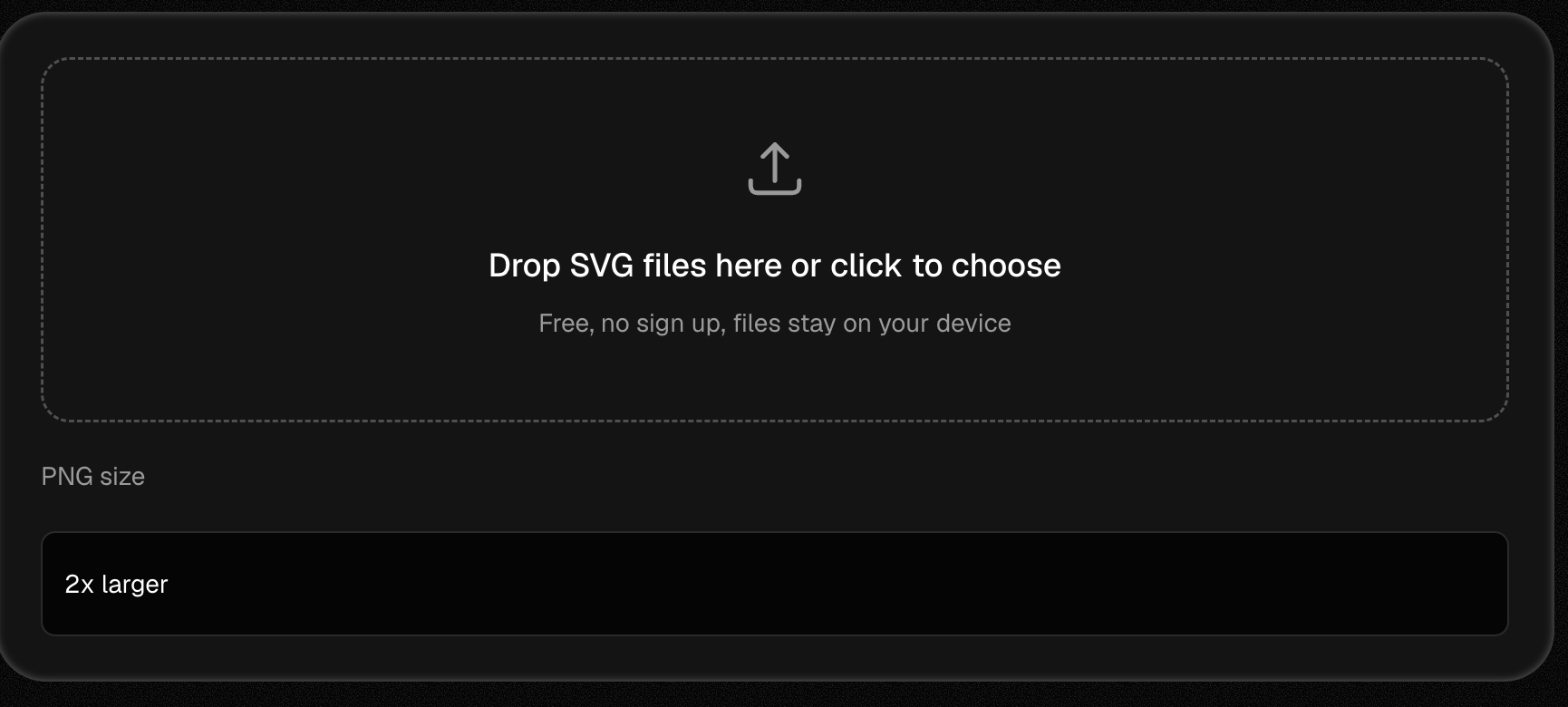
Drop SVG files here or click to choose
Free, no sign up, files stay on your device
Want to edit the vector itself? Open it in VectorEngine
Why use this SVG to PNG converter
Everything runs in your browser, built for real design work.
Private by design
Conversion happens inside your browser. We never see, store or upload your files.
Any size you need
SVG is a vector format, so you can scale it up before export. The PNG stays sharp at 4x or at a custom width of thousands of pixels.
Transparent backgrounds stay
If your SVG has a transparent background, the PNG keeps it. Nothing turns white.
Convert many files at once
Add a whole set of SVG files and download them all with one click.
Free with no limits
Works on any device
Runs in any modern browser on desktop, tablet or phone. Nothing to install and nothing sent to a server.
How to convert SVG to PNG
To convert SVG to PNG, drop your SVG file into the converter above, pick an output size, and click Download PNG. It runs in your browser and takes a few seconds.
Add your SVG files
Drop one or more SVG files into the box above, or click it to pick files from your device.
Pick the PNG size
The tool starts at 2x the SVG's own size. Pick 1x, 3x or 4x, or type an exact width in pixels.
Download your PNG
Most files convert in about a second. Click Download PNG, or Download all if you added many files.
SVG to PNG, explained
An SVG file stores a drawing as math: paths, shapes and curves. A PNG stores it as pixels. Many apps, like email tools, older editors and some social networks, do not accept SVG. Saving your SVG as PNG makes the graphic work everywhere. Because SVG has no fixed size, you can export the PNG at any resolution and it stays sharp. You do not need Photoshop or Illustrator. The converter does the export in your browser.
Common questions
Does the PNG keep the transparent background?
Yes. If your SVG has no background, the PNG is saved with a transparent background.
Will my PNG lose quality?
No. The PNG is drawn straight from the vector data, so it is sharp at the size you pick. For large prints or high resolution screens, pick 2x or 4x.
Is it safe to convert SVG files online?
With this tool, yes. Most online converters upload your files to a server. This one does the conversion inside your browser, so your files never leave your device.
Can I convert more than one SVG at a time?
Yes. Add as many files as you want and use the Download all button.
What size will my PNG be?
By default the PNG is 2 times the size defined in your SVG. If the SVG has no size, we use its viewBox. You can pick 1x, 3x, 4x or type an exact width in pixels.
Can I turn a PNG back into an SVG?
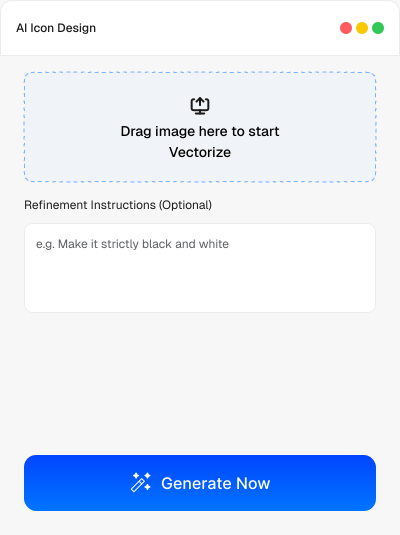
Yes, but that needs tracing, not a simple export. Our AI image to vector tool rebuilds a PNG or JPG as a clean, editable SVG.
Built for Designers, Powered by AI
Professional-grade output without manual tracing or cleanup
Smarter AI, Better Vectors
Our AI blends modern deep learning with proven vector logic to generate clean, accurate SVGs that stay editable and design-ready.
True Vector Output
Every result is a true vector file with editable paths, anchors, and shapes, no rasterized layers or flattened artwork.
Advanced Shape Fitting
VectorEngine detects real geometric shapes like circles and corners instead of approximating everything with uneven paths.
Full Curve Support
Supports straight lines, arcs, and advanced Bézier curves to deliver smoother, more natural curves than auto-trace tools.
Clean Corners & Sharp Detail
Corners and curve joints are optimized for clarity, keeping edges sharp and professional from small icons to large prints.
High-Speed Performance
Optimized for speed on modern hardware, allowing fast vector generation even with detailed logos and complex artwork.
Sub-Pixel Accuracy
Sub-pixel accuracy captures fine edges and small details precisely, ensuring clean results without distortion or noise.
Color & Transparency Control
Supports full color and alpha transparency control so your vectors match the original design across print and digital use.
Made for designers, developers, marketers, and creators.
Use it for UI, branding, pitch decks, social content, marketing assets, illustrations, and digital art.
Get Started for Free
For Designers & Microstock Sellers
Turn AI-generated images into clean, scalable vectors ready for marketplaces like Adobe Stock and other microstock platforms.
For Illustrators & Print Designers
Vectorize sketches and artwork for posters, apparel, packaging, and high-resolution print without losing detail or quality.
For UI & Product Designers
Create consistent, scalable icons and vector assets for apps, dashboards, and design systems, fast and perfectly aligned.
For Branding & Marketing Teams
Create logos, icons, and vectors for brand systems, pitch decks, packaging, and print. Sharp, scalable, and on-brand.
Need to go the other way?
VectorEngine turns raster images into clean, editable vectors, and generates logos, icons and vector art with AI.